Step 1
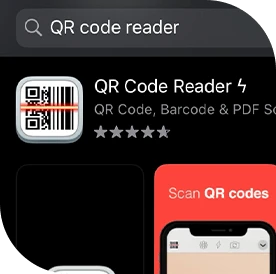
Download any QR code reader app from the Google Play Store or Apple App Store.
Verify the authenticity of your Wellous product
Download any QR code reader app from the Google Play Store or Apple App Store.
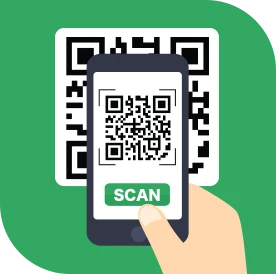
Scan the QR code on the back of the product packaging. Each QR code can only be verified once.
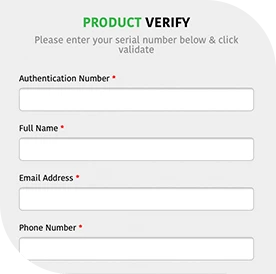
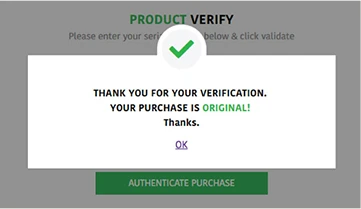
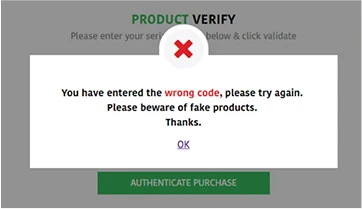
Fill in the relevant information on the authentication form, and the following messages will be shown to help you determine the authenticity of your product: